
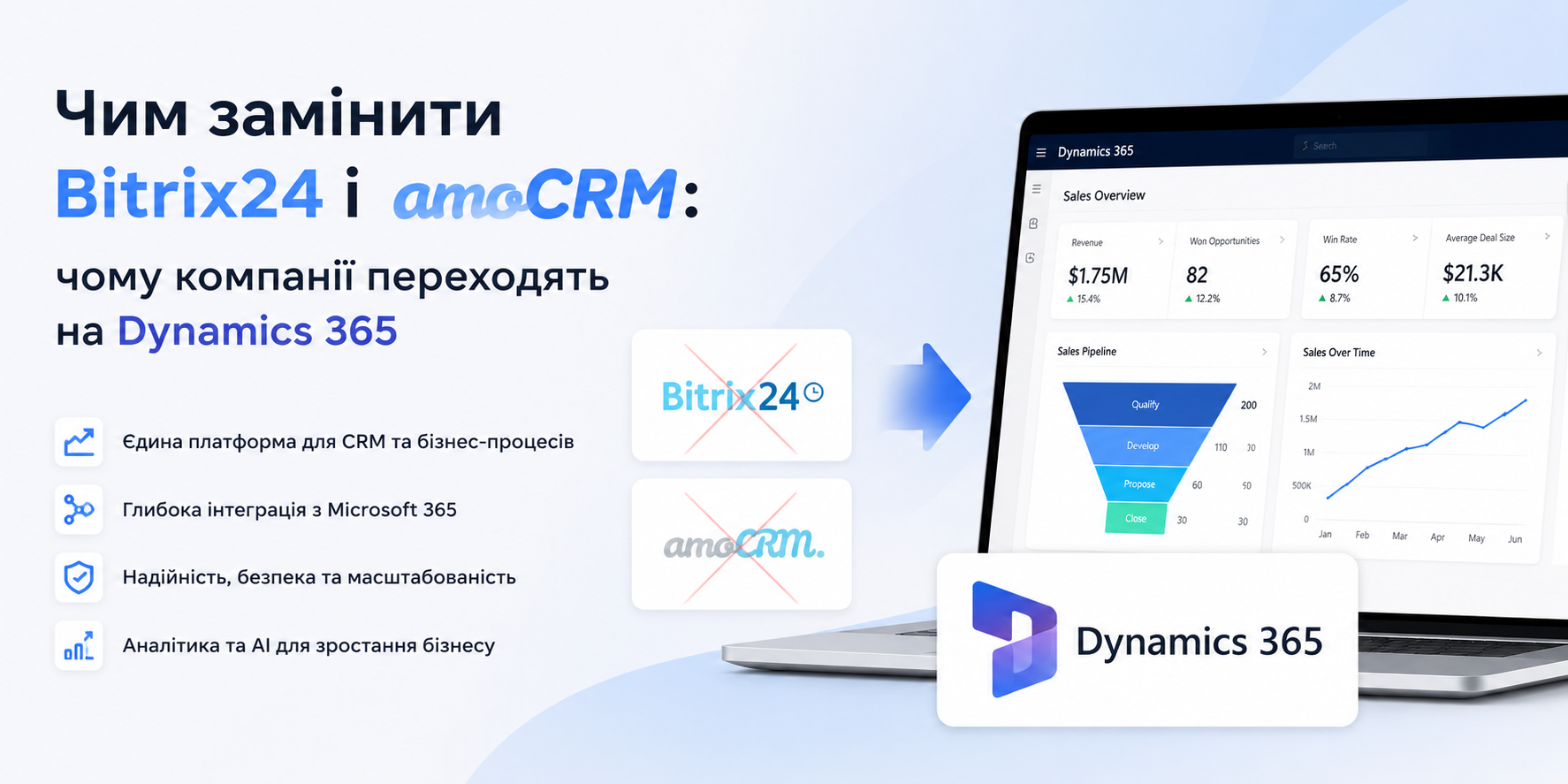
Bitrix24 and AmoCRM Alternatives: Why Businesses Switch to Dynamics 365
Bitrix24 and AmoCRM Alternatives: Why Businesses Switch to Dynamics 365
Looking for a Bitrix24 or AmoCRM alternative? You've already realized these tools have a ceiling. Here's what Microsoft Dynamics 365 delivers — and how to migrate without disrupting your sales team.
Ready to move on from Bitrix24 or AmoCRM? Here's your CRM
Bitrix24 and AmoCRM hit a wall when it comes to scalability, analytics, and Microsoft ecosystem integration. If you've decided to replace them, Microsoft Dynamics 365 Sales is the most logical choice: a full-featured CRM natively integrated with Outlook, Teams, and Power BI. Deployment takes 4–8 weeks with zero downtime.
What you get with Dynamics 365 Sales
Unified Microsoft Ecosystem
Outlook, Teams, Excel, SharePoint — all natively connected. Emails and calls are logged automatically, no manual copy-paste required.
Copilot AI for Sales
Meeting prep, call summaries, deal close predictions, next best action — Copilot guides your reps directly inside the CRM interface.
Power BI Analytics
Pipeline in dollars, per-rep conversion rates, quarterly forecasts — built-in Power BI with no extra subscription or setup.
Unlimited Automation
Automate anything across departments, systems, and communication channels — no code, no extra fees per trigger with Power Automate.
Omnichannel Communication
Telegram, WhatsApp, Facebook, Instagram — via Progresia.Chat, every message lands directly in the client's CRM record.
Scale Without Pain
From 5 to 500+ users on a single platform. Add modules — service, marketing, field sales — without migrating to a new system.
Dynamics 365 vs Bitrix24 vs AmoCRM: head-to-head
| Feature | Bitrix24 | AmoCRM | Dynamics 365 Sales |
|---|---|---|---|
| Sales pipeline | ✓ | ✓ | ✓ + AI forecasting |
| Outlook / Teams integration | Via connector | Via connector | Native, out of the box |
| Built-in AI | None | None | Microsoft Copilot |
| Analytics & dashboards | Basic | Basic | Power BI built-in |
| Process automation | Limited | Basic | Power Automate — unlimited |
| Scalability | ~200 users comfortably | SMB-focused | 10,000+ users |
| Local support | None | None | Progresia, 24/7 |
How to switch: migration with zero downtime
Current CRM audit (1–2 days)
We analyse your data structure, pipeline, integrations, and automations in Bitrix24 or AmoCRM. We map what transfers directly and what gets redesigned to leverage Dynamics 365 capabilities.
Dynamics 365 configuration (1–2 weeks)
We rebuild your pipeline, fields, roles, and access rights. We connect Outlook, Teams, and telephony. Automations are configured in Power Automate.
Data migration (1–2 weeks)
Contacts, companies, deals, notes, and files are all moved over. Full communication history is preserved. We run a mandatory reconciliation before decommissioning the old CRM.
Team training (1 week)
2–3 hands-on sessions for managers and team leads. Video guides for self-paced review. By week two, the team operates with full confidence.
Cutover and support
Both systems run in parallel until stability is confirmed. Then the old CRM is switched off. 24/7 technical support throughout the entire transition period.
Already using Microsoft 365?
If your team lives in Outlook and Teams, the move to Dynamics 365 Sales is especially fast. The system already knows your users, email history, and calendars. Implementation time cuts in half and training is minimal — the interface follows the same design language as Office.
Frequently asked questions
Will all our customer data be preserved when migrating from Bitrix24?
Yes. Both Bitrix24 and AmoCRM support full export of contacts, companies, deals, and notes in standard formats. We migrate the entire database with integrity checks — no records are lost.
How much does switching to Dynamics 365 Sales cost?
Licensing starts at $65/user/month. Migration and implementation for a team of 10–30 people typically runs $3,000–6,000 as a one-time cost. Most clients recover that investment within the first quarter through automation savings and higher pipeline conversion.
Is Dynamics 365 harder to use than Bitrix24?
Core features — pipeline, contacts, tasks, email — are picked up in 1–2 days. We run role-specific training for reps, managers, and admins separately. In practice, teams are working confidently by the second week after go-live.
Will sales operations stop during the migration?
No. Migration runs in parallel: the team keeps working in the old CRM while the new one is configured and tested. The cutover is a single switch-flip, made only after confirming all data is in place and the system is running correctly.
Do you provide local support for Dynamics 365?
Yes. Progresia is a certified Microsoft partner with a team of 50+ specialists. Implementation, training, and 24/7 support — fully in your language and time zone.
Ready to replace Bitrix24 or AmoCRM?
Tell us about your current CRM — we'll run a free audit and deliver a Dynamics 365 migration plan within 1 hour.