
Power BI vs Excel: Which One Does Your Business Actually Need in 2026?
Power BI vs Excel: Which One Does Your Business Actually Need in 2026?
What sets Power BI apart from Excel, when each tool is the right choice — and how Microsoft Copilot is changing the rules of business analytics.
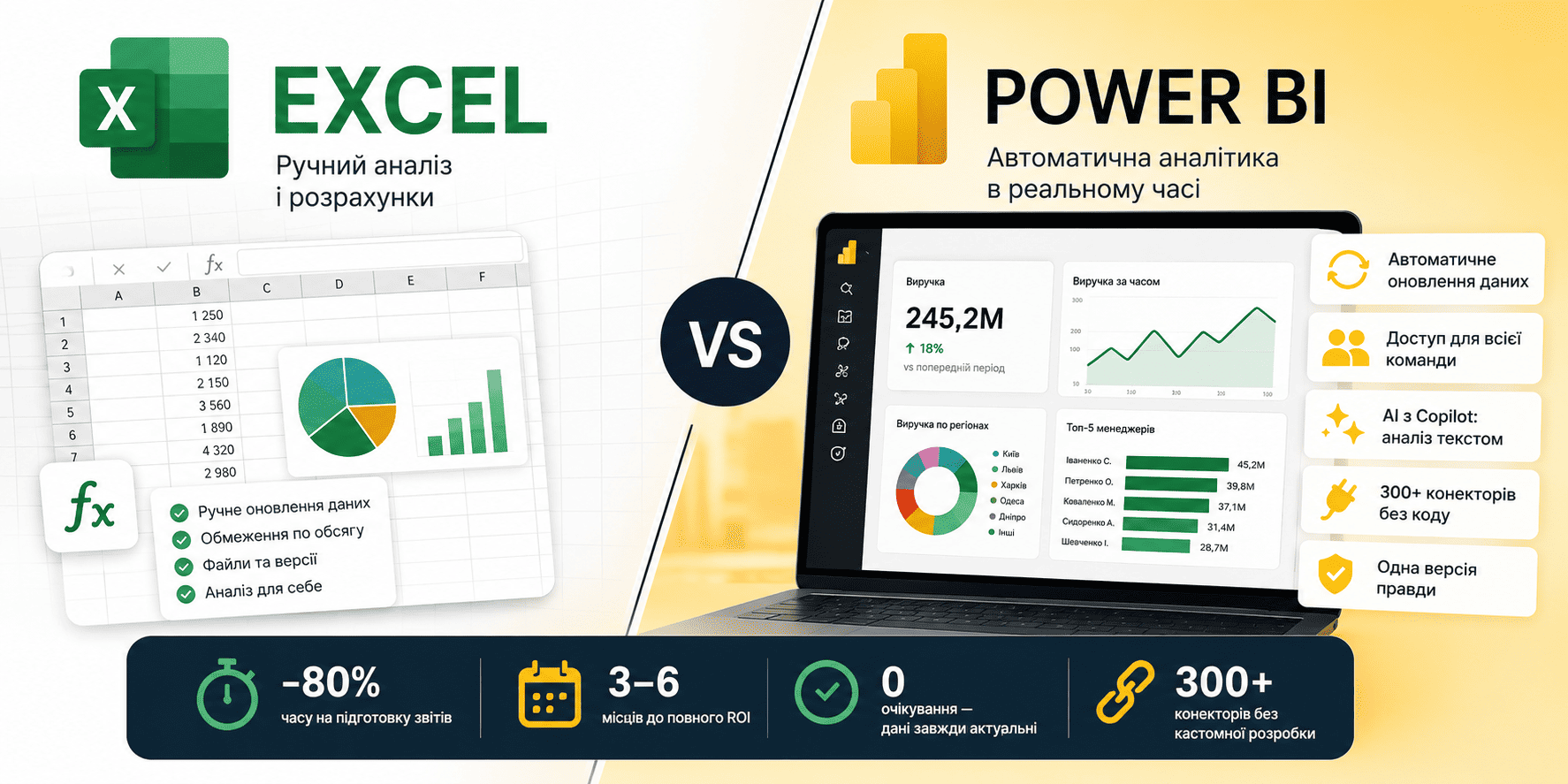
Head-to-Head Comparison
| Criterion | Excel | Power BI ▲ wins |
|---|---|---|
| Data refresh | Manual — copy, paste, reformat | Automatic from CRM, ERP, databases, cloud |
| Data volume | ~1 million rows per sheet | Billions of rows (Premium) |
| Time for monthly report | 4–12 analyst hours | 0 — dashboard updates itself |
| Team access | File sent by email | Share a link — always up to date |
| AI capabilities | Basic suggestions and autocomplete | Copilot: ask in plain text, get analysis |
| Learning curve | Everyone already knows it | 2–4 weeks to basic proficiency |
| Cost | Included in Microsoft 365 | from $10/user/month (Pro) |
| Data sources | Manual import or individual connectors | 300+ ready-made connectors |
| Version control | "final_v3_FINAL_2.xlsx" | Single source of truth for the whole company |
When to Stay with Excel
Excel is the right choice when:
- A team of 1–3 people analyses data with no need to share in real time
- Data is static or updated less than once a week
- It's a one-off calculation — financial model, business plan, price list
- Datasets are small (under 50,000 rows) and Excel runs smoothly
- Complex financial formulas require full cell-by-cell control
When to Move to Power BI
Power BI pays for itself when:
- Reports are built manually every week or month — this work is fully automatable
- Data lives in multiple systems — CRM, ERP, accounting, Google Analytics, Excel simultaneously
- More than 3 people consume analytics — everyone needs to see current data, not last week's version
- The CEO or owner wants direct access to numbers without a middleman
- The company is growing and data volume is outgrowing a single Excel sheet
Power BI Copilot: Analytics in Plain Language
Since 2024, Power BI has had Copilot built in — an AI assistant that lets you query your data in plain text. Instead of building a report from scratch, a manager types: "Show the top 5 reps by revenue last quarter, broken down by region" — and gets a finished chart in seconds.
What Copilot Does in Power BI
- Generates visualizations from a text description — no DAX or interface knowledge required
- Auto-creates summary reports for any time period
- Explains anomalies in plain language: "Why did sales drop in March?"
- Suggests next analysis steps based on current data
What you need to activate Copilot: a Power BI Premium Per User licence ($20/month) or Fabric Capacity; data must be in a Power BI semantic model. Setup takes as little as one day when a model is already in place.
Frequently Asked Questions
Bottom Line
Excel is irreplaceable for calculations, financial models, and one-off analyses. Power BI is built for automated reporting, real-time data, and shared access to a single source of truth. Most companies with 20+ employees benefit from both: Excel for the analyst, Power BI for leadership.
If your managers spend more than 2 hours a week preparing reports — that's a Power BI problem to solve.
Not sure where to start?
Our consultants run a free audit of your current analytics setup and walk you through a concrete Power BI migration plan tailored to your industry — no generic pitch.