
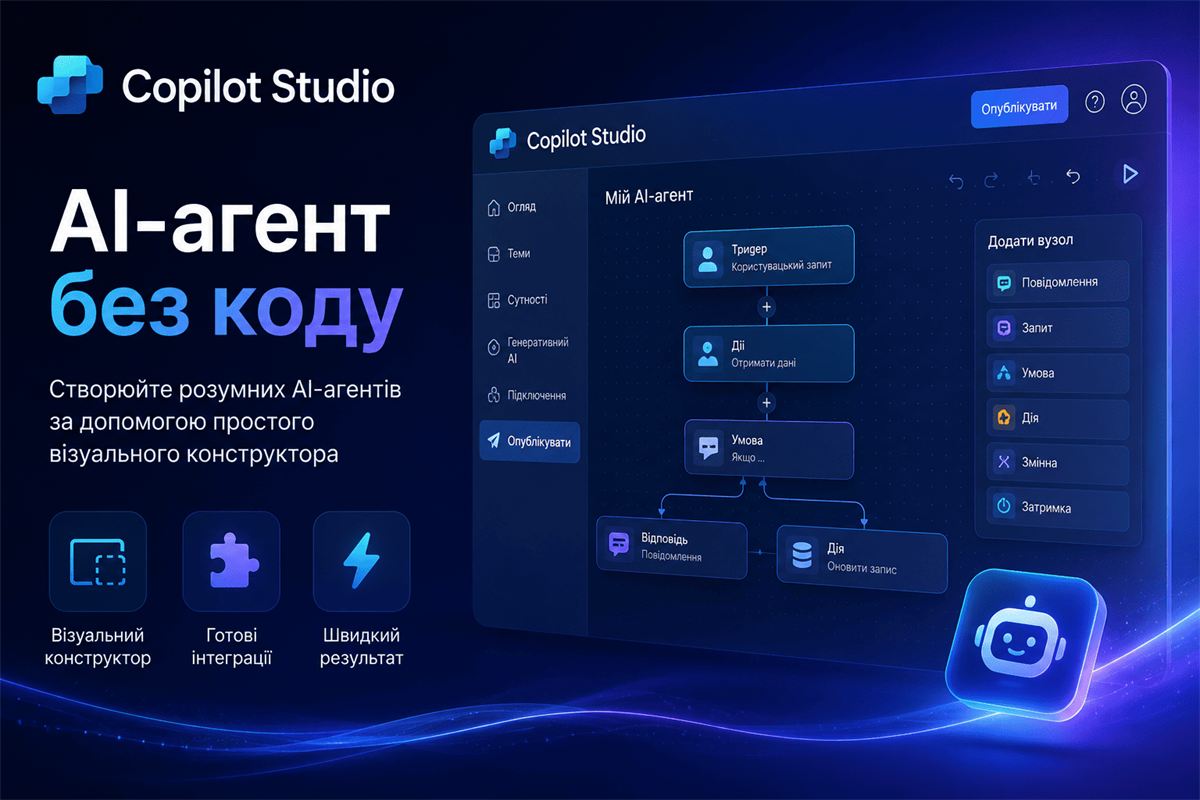
Copilot Studio: how to build your own AI agent without code
Copilot Studio is Microsoft's low-code platform for building your own AI agents — not a general-purpose Copilot for everything, but a narrowly focused assistant for a specific company process, configured by a business analyst rather than a development team.
How an agent differs from ready-made Copilot
Microsoft 365 Copilot and Dynamics 365 Copilot are ready-made AI assistants with a standard set of features inside their respective products. Copilot Studio is a builder where a company creates its own agent from scratch: defining what questions it answers, which systems it connects to, and what scenario it follows when it needs to take an action rather than just give an answer.
The difference is roughly the same as between a finished app and a platform for building one. If Copilot's standard features already cover the task, a separate agent isn't needed. If the process is specific to an industry or a company, the builder gives you flexibility a ready-made product doesn't have.
What an AI agent in Copilot Studio actually is
An agent is an AI assistant with a defined role: it answers customer questions against a specific knowledge base, processes requests, checks documents against set rules, and escalates complex cases to a human. Unlike a classic chatbot with a decision tree — "if the customer typed X, reply Y" — an agent understands natural-language requests and decides for itself which action to take from the tools available to it.
Customer support
Answers routine customer questions against the company's knowledge base, and hands off complex cases to a human agent with full context ready.
HR processes
Answers employee questions about vacation, sick leave, and internal policies without an HR manager handling routine requests.
Document workflows
Checks incoming documents for completeness, cross-checks data against reference tables, and prepares a draft for human approval.
Sales
Qualifies inbound leads against set criteria and passes only the ones matching the customer profile into the CRM.
How an agent connects to company systems
Copilot Studio integrates with Dynamics 365, Power Platform (Power Automate, Power Apps, Dataverse), Microsoft 365, and external sources via connectors — SQL databases, ERP systems, third-party APIs. In practice, this means an agent can do more than answer a question — it can take action: create a CRM record, update a database entry, or trigger an approved process in Power Automate.
It's this ability to act, not just to answer, that sets an agent apart from a website chatbot. For companies already running Dynamics 365, this means an agent sees up-to-date customer data without a separate integration — more on AI inside the CRM itself in Copilot for Sales in Outlook and Teams. Access-control questions for agents are covered in Copilot security and confidential data.
What's needed to launch it
- Knowledge base: documents, FAQs, and policies the agent answers from — the more structured the base, the more accurate the answers
- Defined scenarios: a specific list of tasks the agent performs, not an abstract "automate support"
- License: a separate Copilot Studio license, priced by monthly conversation volume
- Escalation rules: a clear point where the agent hands the conversation to a human instead of trying to answer everything itself
A common implementation mistake
The most frequent problem is trying to build one universal agent that does everything, instead of several narrow agents with a clear role each. An agent that simultaneously handles support questions, qualifies leads, and checks documents usually does all three worse than three separate agents with simple, well-defined scenarios. In practice, a narrower focus at launch produces more accurate answers and results that are easier to measure.
Frequently asked questions
Do you need developers to build an agent in Copilot Studio?
Not for a basic agent — the platform is designed for low-code setup by a business analyst. For complex scenarios with non-standard integrations to third-party systems, developer involvement speeds things up.
How long does it take to launch a first agent?
A simple agent built on an existing knowledge base — a few days to two weeks. An agent with integrations to several systems and complex action logic — usually several weeks, depending on how many connections are involved.
How is Copilot Studio different from Power Virtual Agents?
Power Virtual Agents was the previous name for the same technology. Copilot Studio is its evolution, with broader generative AI capabilities and integration with the Copilot ecosystem.
Considering an AI agent for your process?
We'll analyze your process and show you which scenario fits an agent, and where simpler automation is enough.