
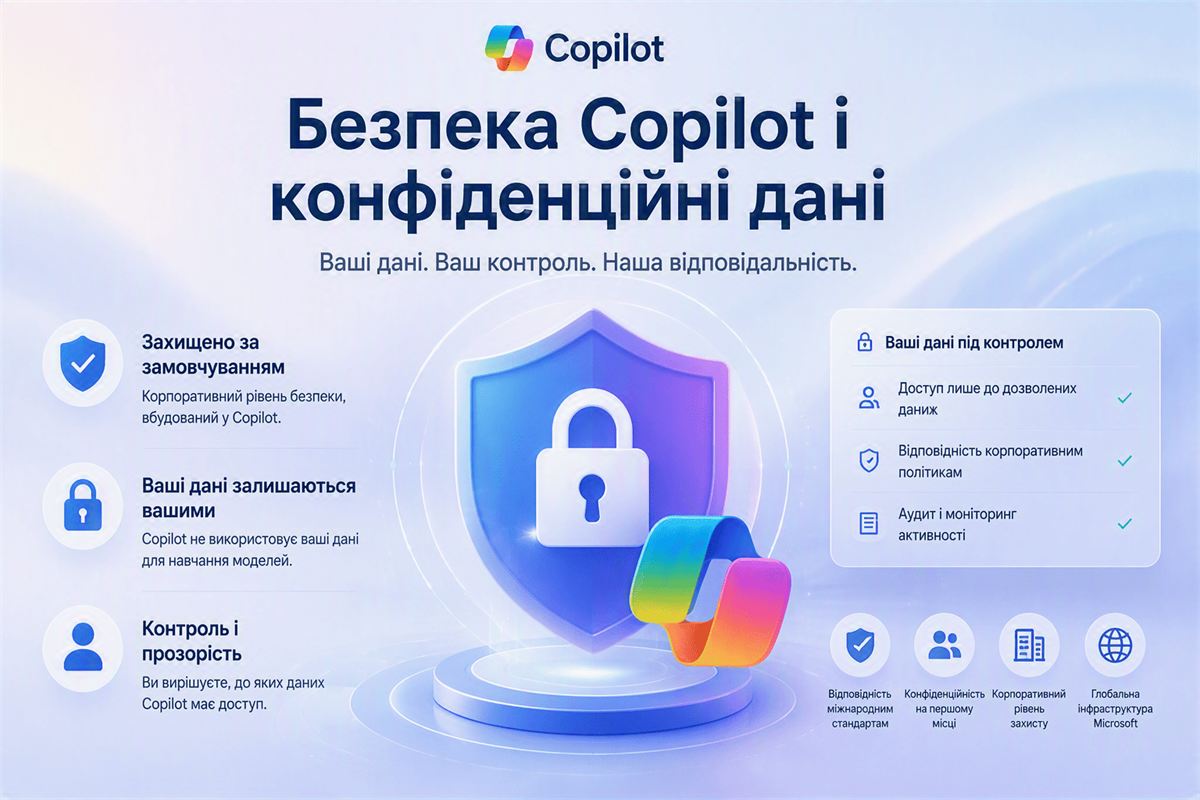
Copilot security: does the AI see confidential company data
The most common question before rolling out Copilot isn't "what can it do" — it's "will it leak our trade secrets." The short answer: Copilot operates within a company's Microsoft 365 tenant and a specific user's access rights, and doesn't use corporate data to train general models.
The core principle: Copilot never leaves the tenant
All Copilot requests and responses are processed within a specific company's Microsoft 365 tenant. That means one Microsoft customer's data never surfaces in another customer's answers, and corporate documents aren't used to further train OpenAI's base models outside your organization. This is spelled out in the commercial Data Protection Agreement that applies to paid Microsoft 365 and Copilot subscriptions.
This is a fundamental difference from free public AI services, where entered data may by default be used to improve the model unless the user separately disables that. More on this distinction in Microsoft Copilot vs ChatGPT for business.
Copilot only sees what a user already has access to
This is the key point people often get wrong. Copilot doesn't get some special "admin" access to all of a company's data. It answers within the permissions of the specific user who asked the question: if an employee doesn't have access to a financial report in SharePoint, Copilot won't show it to them either, even though the document technically exists in the same tenant.
The practical consequence
If a company has let access permissions drift for years — the classic "everyone has access just in case" — Copilot will surface that problem far faster than it would have shown up otherwise. AI doesn't create a new security hole; it quickly finds data that was already accessible more broadly than it should have been.
What's worth checking before rollout
- Access-rights audit in SharePoint and Teams: who actually needs to see which folders and channels, not who has access "historically"
- Classifying sensitive documents: sensitivity labels in Microsoft Purview that limit what the AI can pull into a response
- Policy for external guest accounts: making sure contractors and partners don't see more than they should
- DLP rules (Data Loss Prevention): restricting which types of data can surface in AI answers at all
That's why a Copilot rollout usually doesn't start with flipping on a license — it starts with a readiness audit: checking access rights and data structure before the AI gets access to all of it. More on the rollout process on the Microsoft 365 Copilot by Progresia page. The same access principles apply to custom AI agents in Copilot Studio.
GDPR and regulatory compliance
For companies handling customer personal data or regulated information, Microsoft provides standard GDPR compliance guarantees under a commercial subscription: data is processed according to the declared storage region, the company remains the data controller, and Microsoft acts as the processor under the terms of the DPA. This removes part of the legal burden, but doesn't relieve the company of its own responsibility for exactly what data enters the system and who has access to it.
Frequently asked questions
Can an employee see data through Copilot that they don't have direct access to?
No. Copilot follows the same access rights already configured in SharePoint, Teams, and Dynamics 365. It doesn't bypass or expand existing permissions.
Does Microsoft use company data to train its AI models?
No, for commercial Microsoft 365 and Copilot subscriptions customer data isn't used to train base models outside the organization's tenant — this is set out in the Data Protection Agreement.
What if a company hasn't reviewed file access rights in a long time?
Run an access-rights audit before rolling out Copilot, not after. This is the most common first recommendation when preparing a company for AI: clean up who can see what before adding a tool that quickly finds everything it has access to.
Planning a Copilot rollout and want to check your readiness?
We audit access rights and data structure before connecting Copilot, so the AI doesn't surface more than it should.