
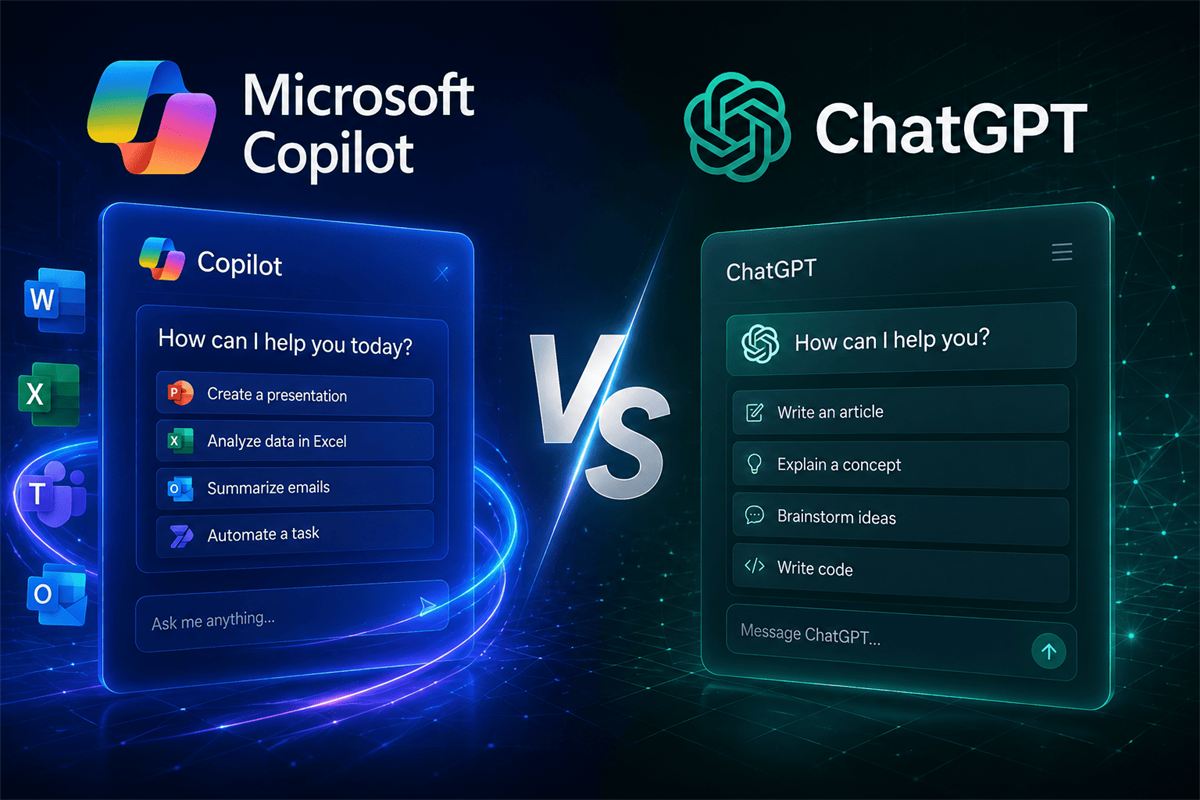
Microsoft Copilot vs ChatGPT: what's the difference for business
The main difference isn't AI "quality" — both tools are built on comparable language models. The difference is what data each one can access: ChatGPT answers from general knowledge, while Copilot is connected to a specific company's documents, mailbox, and CRM.
Short version: what's the difference
ChatGPT is a general-purpose AI assistant that answers based on public knowledge and whatever you manually paste into the conversation. It doesn't see the company's mailbox, SharePoint files, or CRM records unless you copy a fragment of text into the chat yourself.
Microsoft Copilot is a family of AI tools built into products the company already uses: Word, Excel, Outlook, Teams, Power BI, Dynamics 365. Copilot has access to these sources within a specific user's permissions and works with real documents, emails, and business data — without leaving the company's Microsoft 365 tenant.
Comparison by key criteria
Data access
ChatGPT
- Answers from general knowledge
- Only sees what's manually pasted into the chat
- Not integrated with company mail, CRM, or files
Data access
Microsoft Copilot
- Connected to Outlook, Teams, SharePoint, Dynamics 365
- Answers based on the company's real documents and emails
- Operates within a specific user's access rights
Typical scenario
What to choose
- ChatGPT — drafting text, brainstorming, general questions
- Copilot — a Teams meeting summary, deal analysis in CRM, a report on real numbers
Data security and confidentiality
This is the most common question from security teams and IT directors. Data that flows through Copilot within a company's Microsoft 365 tenant isn't used to train OpenAI's general models and doesn't leave the organization's tenant — Microsoft operates under the terms of a commercial Data Protection Agreement. Free ChatGPT, by contrast, may by default use entered data to improve the model unless that's separately disabled in account settings.
For companies handling customer data, trade secrets, or regulated information, this isn't a minor detail — it's a decisive factor in choosing the tool. More on exactly how Copilot handles corporate data in Copilot security and confidential company data.
Where exactly Copilot is built into Microsoft products
- Word, Excel, PowerPoint: generating and editing documents based on the company's existing files
- Outlook: summarizing long threads, drafting replies
- Teams: meeting summaries and action items without manual note-taking
- Power BI: reports and anomaly explanations from a text request against the company's real data
- Dynamics 365: preparing for a client call, analyzing deal history, next-step recommendations
These are different licenses and different products under one Copilot brand — not a single universal "turn on AI" button. For a deeper look at the analytics use case, see Copilot in Power BI for executives.
When ChatGPT is still a good fit
ChatGPT remains useful for tasks that don't require access to internal data: brainstorming ideas, drafting general text, translation, explaining an unfamiliar concept. Companies where employees are already used to ChatGPT usually don't drop it entirely — Copilot covers a different class of tasks, where integration with real working data actually matters.
Frequently asked questions
Can a company use both Copilot and ChatGPT?
Yes, and many companies do exactly that. ChatGPT for general text tasks, Copilot for work with internal documents, mail, and CRM where company context matters.
Is Copilot more expensive than ChatGPT?
A Copilot license is purchased separately per user on top of an existing Microsoft 365 subscription and costs more than a basic ChatGPT Plus plan, but it grants access to the company's internal data, which ChatGPT simply doesn't do.
Do employees need separate training to move from ChatGPT to Copilot?
The basic interface is similar, but to get real value from access to internal data, a short training session helps: which prompts work better, how to phrase a request in the context of a specific document or meeting.
Not sure which AI tool fits your team?
We run a readiness audit and show you where Copilot delivers real impact in your company, and where simpler tools are enough.