
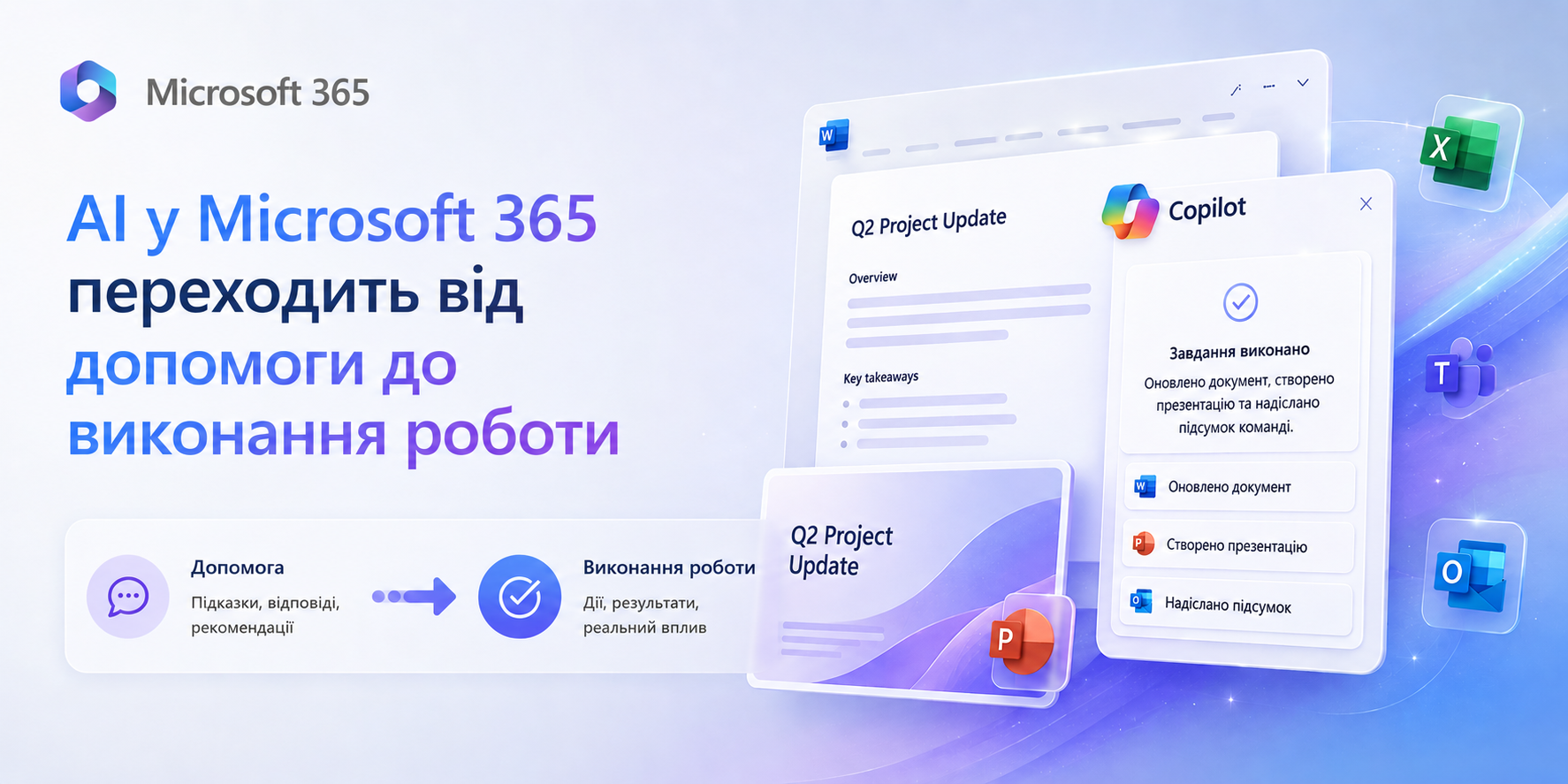
AI in Microsoft 365 Is Moving from Assistance to Execution
Microsoft has introduced new agentic AI capabilities for Microsoft 365 Copilot: an AI-powered Outlook assistant, Legal Agent in Word, and three autonomous Copilot operating modes. The shift is fundamental — AI no longer answers requests, it runs processes.
Outlook Is Now an AI-Powered Work Assistant
The new AI-enhanced Outlook automates a meaningful share of daily operational work — built directly into the standard Microsoft 365 client, no add-ins required.
Email Prioritization
AI scans incoming messages, surfaces what needs attention first, and drafts context-aware replies based on the conversation thread.
Calendar Management
Detects scheduling conflicts, reschedules meetings, books conference rooms, and blocks focus time — without switching between apps.
Reminders & Task Capture
Automatically extracts commitments from emails and converts them into tasks. Deadline reminders without any manual entry.
Human-in-the-Loop Control
Every AI action requires user confirmation. The assistant executes — the person reviews outcomes, not individual steps.
Business Impact
- Less time spent on routine email management
- Faster team response to high-priority messages
- Fewer missed tasks and unanswered follow-ups
- Faster AI adoption with no change to existing tools
AI for Legal Teams — Right Inside Word
Microsoft has also introduced Legal Agent in Word — a specialized AI agent for contract review and legal document work, operating entirely within the secure Microsoft 365 environment.
- Contract review — the agent analyzes documents, flags risky language, and identifies weak positions
- Negotiation redlines — prepares specific alternative wording for disputed clauses with reasoning included
- Company-specific rules — the agent follows your internal playbook and standard positions, not generic templates
- Cited recommendations — every suggestion links back to a source within your internal knowledge base
Most Relevant For
Organizations with high contract volume: distribution, manufacturing, construction, IT services. The Legal Agent doesn't replace a lawyer — it eliminates the work that consumes 60–70% of their time: routine review of standard agreements. Lawyers focus on complex cases and negotiations.
Business Impact
- Faster contract approvals — fewer revision cycles
- Legal team capacity freed up as contract volume grows
- Consistent document review regardless of who handles the file
- Shorter sales and procurement cycles
Copilot Shifts from "Responds" to "Executes"
In 2026, Microsoft is introducing three new Copilot operating modes that transform it from a chat assistant into a full AI execution layer. These modes are live in the Frontier program and rolling out to standard plans.
Cowork
Autonomous Execution
- Builds multi-step workflows independently
- Runs tasks in the background
- Works across documents, email, and calendars
- Uses the full Microsoft 365 context
Critique
Cross-Model Verification
- Validates outputs through multiple AI models
- Checks facts and citation sources
- Scores response quality
- Flags potential errors before you see the result
Council
Parallel Analysis
- One prompt — multiple AI models run in parallel
- Shows where models agree
- Highlights risks and contradictions
- Surfaces alternative solutions
Q2 2026 Is the Right Time to Start
New capabilities are steadily moving into standard Microsoft 365 licenses. Organizations that begin preparing now will be 3–6 months ahead of those waiting for "full general availability."
Launch a Copilot Pilot
Start with 10–20 users in one department. Measure time spent on routine tasks before and after. This builds your internal business case for a broader rollout.
Define AI Governance and Security Policies
Decide which data AI can access, which processes it's authorized to automate, and how agent actions are confirmed. Without this, the pilot becomes ungoverned.
Map Processes for Agent Automation
Audit where teams spend the most time on manual work. Email, document review, approvals — these are the first candidates for AI handoff.
Train Teams to Work with AI
AI delivers value only where people know how to use it. Training isn't a checkbox — it's the condition for a real return on your Copilot investment.
Join the Frontier Early Access Program
Get access to new Copilot capabilities before general release. Best suited for organizations that want to test, iterate, and stay ahead of the curve.
Who Gets Results the Fastest
The most immediate impact from new Microsoft 365 AI capabilities goes to teams with high volumes of daily communication and documents.
Sales Teams
Less manual CRM entry and email work. AI drafts follow-ups, reminders, and meeting summaries automatically.
Legal Departments
Legal Agent handles routine contract reviews. Lawyers focus on non-standard cases and high-stakes negotiations.
Leadership Teams
Council mode delivers better-reasoned answers for complex decisions — validated across multiple AI models.
Procurement Teams
Faster contract approvals through automated review. Fewer back-and-forth cycles between departments.
Customer Support
AI prioritizes incoming requests, drafts responses to common queries, and tracks resolution deadlines.
Project Teams
High stakeholder communication volume is exactly where AI removes the most routine work: meeting notes, reminders, action items.
What This Means for Your Business
Microsoft is steadily moving Copilot from an "AI chat" experience to a full AI execution layer for business processes. For organizations of any size, this means a fundamental shift in how daily work gets done: from manual operations — to managing outcomes.
With the shared Microsoft 365 environment, everything starts working as a unified system. Each employee contributes, and AI becomes the connective tissue — closing communication gaps, keeping tasks in order, and taking on the work of a personal office manager for everyone on the team.
At Progresia, we don't just help organizations connect AI — we make sure people actually use it in their daily work. We've built role-specific training courses for employees and administrators that explain exactly which tasks to delegate to AI and how.
Want to See Where AI Can Make a Difference for Your Team?
We'll map your processes and show you concrete automation scenarios — no buzzwords about "digital transformation," just practical next steps.